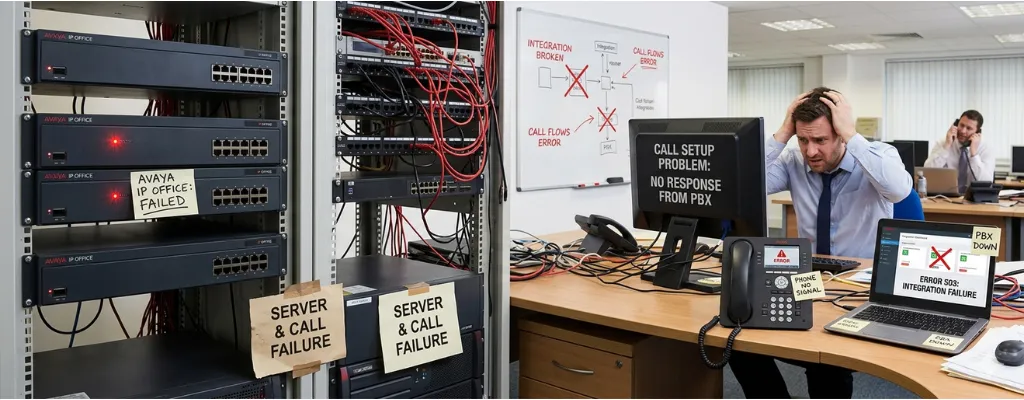
Why Avaya IP Office Fails: Call, Setup, and Integration Problems | Morgan Birgé
Why Avaya IP Office Fails: Common Call, Setup, and Integration Problems
Many businesses rely on Avaya IP Office as their on-premise phone system, but the reality is that it often falls short of expectations. From dropped calls to complex integration issues, IT teams frequently face challenges that disrupt productivity and frustrate users.
Understanding why Avaya IP Office fails, and how to fix these problems, is critical for companies maintaining reliable communications or planning a migration to modern platforms like Microsoft Teams or other UCaaS solutions. This guide explains the most common failures, their real-world impacts, and practical takeaways for IT decision-makers.
Common Call Issues in Avaya IP Office
Avaya IP Office is designed for SMBs, yet many users report persistent call problems:
Dropped or Unstable Calls
Network congestion, misconfigured QoS settings, NAT issues, or incompatible SIP session timers can cause dropped calls or degraded audio quality.
Echo and Poor Audio Quality
Older IP phones, codec mismatches, or flat networks with no QoS can lead to echo, clipping, or robotic-sounding calls.
Call Routing Errors
Hunt groups, short codes, or extensions can fail if misconfigured, causing missed calls and frustrated staff.
Takeaway: Regular network assessments, proper QoS configuration, and firmware updates are essential for reliable call performance.
Set Up Challenges That Cause System Failures
Many IP Office problems start during installation or initial configuration:
Complex Initial Configuration
Setting up IP Office requires expertise in SIP trunks, analog lines, and extension mapping. Setup errors are a leading cause of early system failures.
Licensing Confusion
Avaya’s licensing model covers users, features, and modules separately. Mismanaged or expired licenses can silently disable functionality.
Hardware Dependencies
Older IP Office systems rely on legacy hardware. A server or phone failure can bring the entire system down without redundancy.
Takeaway: Invest in a professional setup and thorough documentation. For complex needs, consider cloud-based UCaaS solutions with predictable subscription pricing.
Integration Problems with Other Systems
IP Office rarely operates in isolation, and integrations are often the weakest link:
CRM and ERP Integration
Connecting call data to platforms like Salesforce or Dynamics often requires middleware, which can fail or break with updates.
Voicemail and Email Sync Failures
Email notifications may not work due to outdated SMTP settings, server issues, or Voicemail Pro misconfiguration.
Unified Communication Gaps
IP Office has limited video, messaging, and mobile client support. Achieving fully connected workflows often requires workarounds.
Takeaway: Integration challenges are a signal that a cloud-based UCaaS platform could provide seamless, built-in connectivity.
Why Businesses Outgrow Avaya IP Office
Beyond technical issues, structural limits often drive repeated failures:
Scalability Limits
IP Office is designed for small to mid-size organizations. Adding users, lines, or remote workers often requires expensive hardware upgrades.
High Maintenance Burden
On-premise systems demand in-house expertise for updates, patches, and troubleshooting. Staff shortages can lead to prolonged outages.
Costly Upgrades
Keeping hardware and software current is expensive. Subscription-based cloud systems are often more financially sustainable.
Takeaway: Companies outgrowing IP Office should consider UCaaS alternatives that scale flexibly and reduce internal IT burden.
Practical Tips to Reduce Failures
For businesses continuing with Avaya IP Office, proactive management helps:
Conduct routine network and QoS assessments to ensure stable call performance.
Maintain up-to-date firmware for phones and servers.
Document all system configurations and integrations to prevent errors during staff changes.
Use third-party monitoring tools to detect and resolve issues before they impact users.
Plan a gradual migration to modern UCaaS solutions if growth or system limits become a challenge.
Summary
Avaya IP Office works well for smaller environments, but call quality issues, setup complexity, and integration challenges often lead to frustration and downtime. Many problems arise from outdated hardware, misconfigured networks, or features designed for simpler workplaces.
Businesses experiencing repeated failures should evaluate whether to optimize their current system or plan a migration to a scalable, cloud-based communication platform. Expert Avaya support can help assess your setup, resolve common IP Office issues, and guide a smooth transition to modern UCaaS solutions.