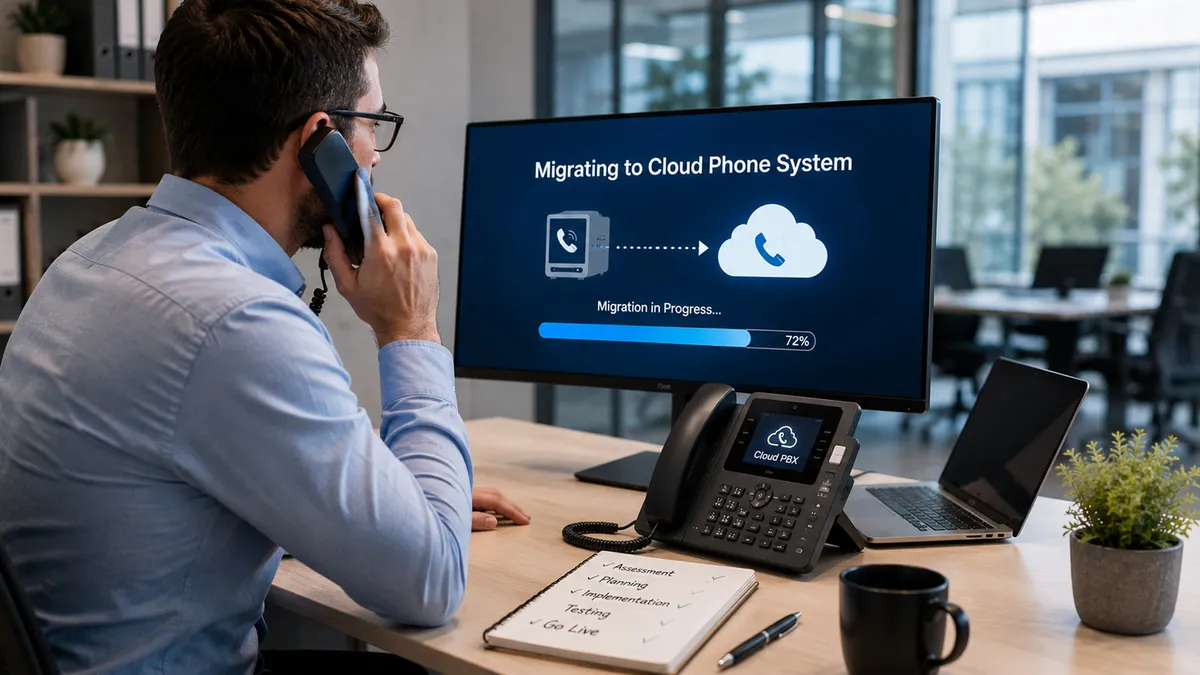
How to Migrate Your Business Phone System to the Cloud
Migrating a business phone system can feel risky. Many companies worry about downtime, lost calls, or disruptions to daily operations.
At the same time, staying on outdated systems limits growth, increases costs, and prevents teams from working efficiently.
A well-planned cloud migration eliminates these risks and ensures a smooth transition to modern communication.
Quick Answer: Cloud Phone Migration
Moves your phone system from on-premise to the cloud
Eliminates physical PBX hardware
Improves flexibility and scalability
Enables remote and mobile communication
Requires proper planning to avoid downtime
Why Cloud Migration Matters in 2026
In 2026, businesses rely on communication systems that support:
Remote and hybrid workforces
Real-time collaboration
Multi-location operations
Integrated digital tools
Legacy systems cannot keep up with these demands. Migrating to the cloud ensures your communication infrastructure is future-ready.
Common Challenges in Phone System Migration
Businesses often face concerns such as:
Downtime during transition
Loss of existing phone numbers
Integration issues with current tools
Employee adaptation to new systems
Security and compliance risks
These challenges can be avoided with a structured migration approach.
Key Benefits of Migrating to the Cloud
1. Increased Flexibility
Employees can access the phone system from anywhere.
2. Lower Operational Costs
No need for hardware maintenance or upgrades.
3. Improved Scalability
Add or remove users easily as your business grows.
4. Better Reliability
Cloud systems provide redundancy and higher uptime.
5. Advanced Features
Access modern tools like analytics, call routing, and integrations.
MSP Value: Why Expert Migration Matters
Migrating without expert guidance can lead to disruptions and configuration issues.
A Managed Service Provider ensures:
Seamless transition with minimal downtime
Secure data and call routing configuration
Proper network optimization
Integration with CRM and business tools
Ongoing support and monitoring
Learn more about cloud migration and IT services from Morgan Birge.
Step-by-Step Framework: Cloud Phone Migration
Step 1: Assessment
Evaluate your current phone system, call volume, and business requirements.
Step 2: Risk Identification
Identify potential risks such as downtime, compatibility issues, and network limitations.
Step 3: Implementation Planning
Create a migration plan including timelines, user groups, and fallback strategies.
Step 4: Deployment
Set up the cloud system, migrate numbers, configure call routing, and onboard users.
Step 5: Monitoring and Optimization
Continuously monitor performance and resolve issues post-migration.
Best Practices for a Smooth Migration
Schedule migration during low-traffic hours
Test the system before full deployment
Train employees in advance
Maintain backup communication options
Work with a managed IT provider
Real-World Use Cases
Healthcare
Ensures uninterrupted patient communication during system upgrades.
Finance
Maintains secure and compliant communication channels.
Legal
Prevents disruption in client communication during migration.
Retail
Supports smooth transition across multiple store locations.
SaaS Companies
Ensures customer support remains active during migration.
Manufacturing
Maintains communication between teams and suppliers.
FAQ
Conclusion
Migrating your business phone system to the cloud is a strategic move that improves flexibility, reduces costs, and supports modern communication needs.
With the right planning and expert support, the transition can be smooth and disruption-free.
If your business is ready to upgrade its communication system, now is the time to act.